
Skip the queue, grab and go
Your regulars are busy. Let them order ahead.
Pre-orders mean shorter queues, smoother service, and customers who come back because you respect their time.
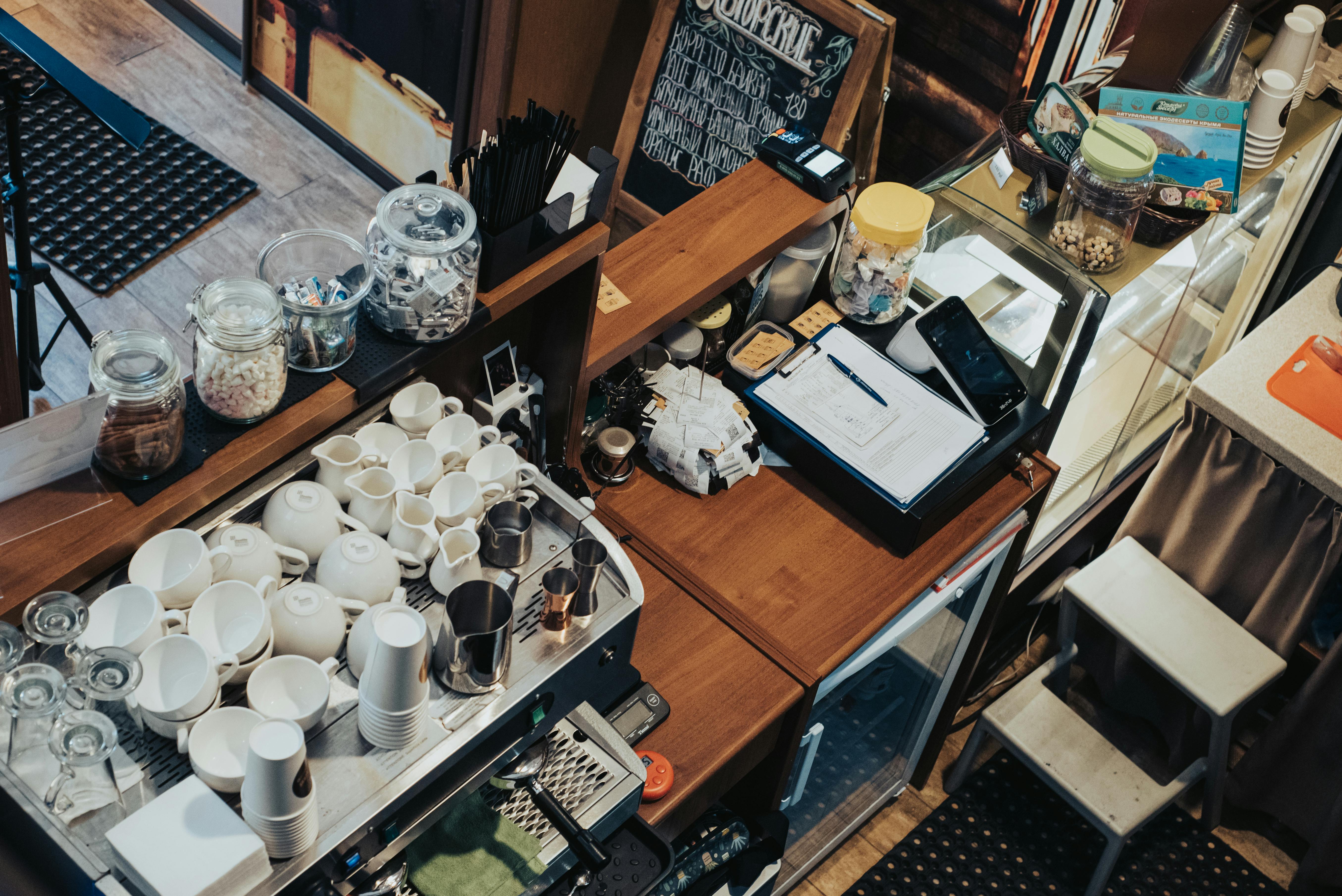
Queues cost you customers
When the line stretches out the door, people walk past. Every one of them is a sale you didn't make.
Walk-bys during rush
Customers see a long queue and keep walking. They needed coffee, but they needed to get to work more.
Peak time pressure
Baristas rushing, orders backing up, mistakes happening. The morning rush shouldn't feel like chaos every day.
No customer data
You see the same faces every morning but know nothing about them. No way to send them a thank-you or bring them back.
Your regulars want to support you. Make it easy for them.
Pre-orders change everything
Customers order on their phone, pick up without waiting. You prep in advance, serve more people, stress less.
Scheduled collection
Customers choose when they'll pick up. Order on the commute, collect on arrival. No waiting for either of you.
Prep in advance
See what's coming before customers arrive. Start that flat white at 8:10 so it's ready at 8:15.
Know your regulars
Customer accounts with order history. See who's coming, what they usually get, build real relationships.
Zero commission
Flat monthly fee. No percentage cuts on orders. The more you sell, the more you keep.
Built for the way a cafe actually runs
Not a stripped-back order form. The details that keep a busy counter moving — and quietly turn a one-off coffee into a regular.
Slots that protect your prep
Customers pick a collection time in 15-minute slots, from a couple of hours out to 30 days ahead. Set lead and prep times and TypeMenu only offers slots you can actually hit — the last one closes before you do.
"Your order's ready" by text
Automatic email and SMS confirmations when an order's placed, and again when it's ready to collect. Fewer customers hovering at the counter asking if it's done yet.
Sell the last croissant once
Put stock counts on pastries and specials. When they're gone they drop off your storefront automatically — so you never take an order for a bake you've already sold out of.
Happy hour and loyalty, on autopilot
Run automatic deals: 20% off pastries after 3pm, a free coffee on every fifth order, a first-order discount. Set the rules once and they apply themselves at checkout.
Tips at the tap
Add optional tip prompts at checkout with your own presets — show them only on collection, or only at peak times. A little upside on every order, no awkward card-machine moment.
Already on Square? Stay there
Online orders sync straight into your Square register with two-way status updates, and card payments run through your existing Square account. One till, one view.
Looks like your cafe, not a template
Your storefront should feel like walking through your door. Set it up to match in minutes — no designer required.
- A theme made for cafesStart from the Neighbourhood Cafe design — one of six built-in storefront presets — then tweak it to taste.
- Your fonts, your coloursChoose from 14 curated font pairings and set your own brand colours — from warm and handwritten to clean and modern.
- Your own web addressRun it on order.yourcafe.com, or our free subdomain. Customers see your cafe — never a marketplace.
- Lay it out your wayShow products as cards or a list, pin the cart to a sidebar or a slide-out — so the menu reads the way your cafe feels.
The Corner Cafe
Order ahead • Collection
Live in three simple steps
Get your restaurant online in under an hour. No technical skills required.
Build your menu
Add your dishes, set prices, upload photos. Our editor makes it easy to showcase your food beautifully.
Configure settings
Set your opening hours, delivery zones, and payment options. Customise everything to match your business.
Start selling
Share your ordering link and start receiving orders. Manage everything from your dashboard or mobile.
Built for cafe workflows
Pre-orders, customisation, loyalty and payments—everything you need to keep the morning rush running smoothly.
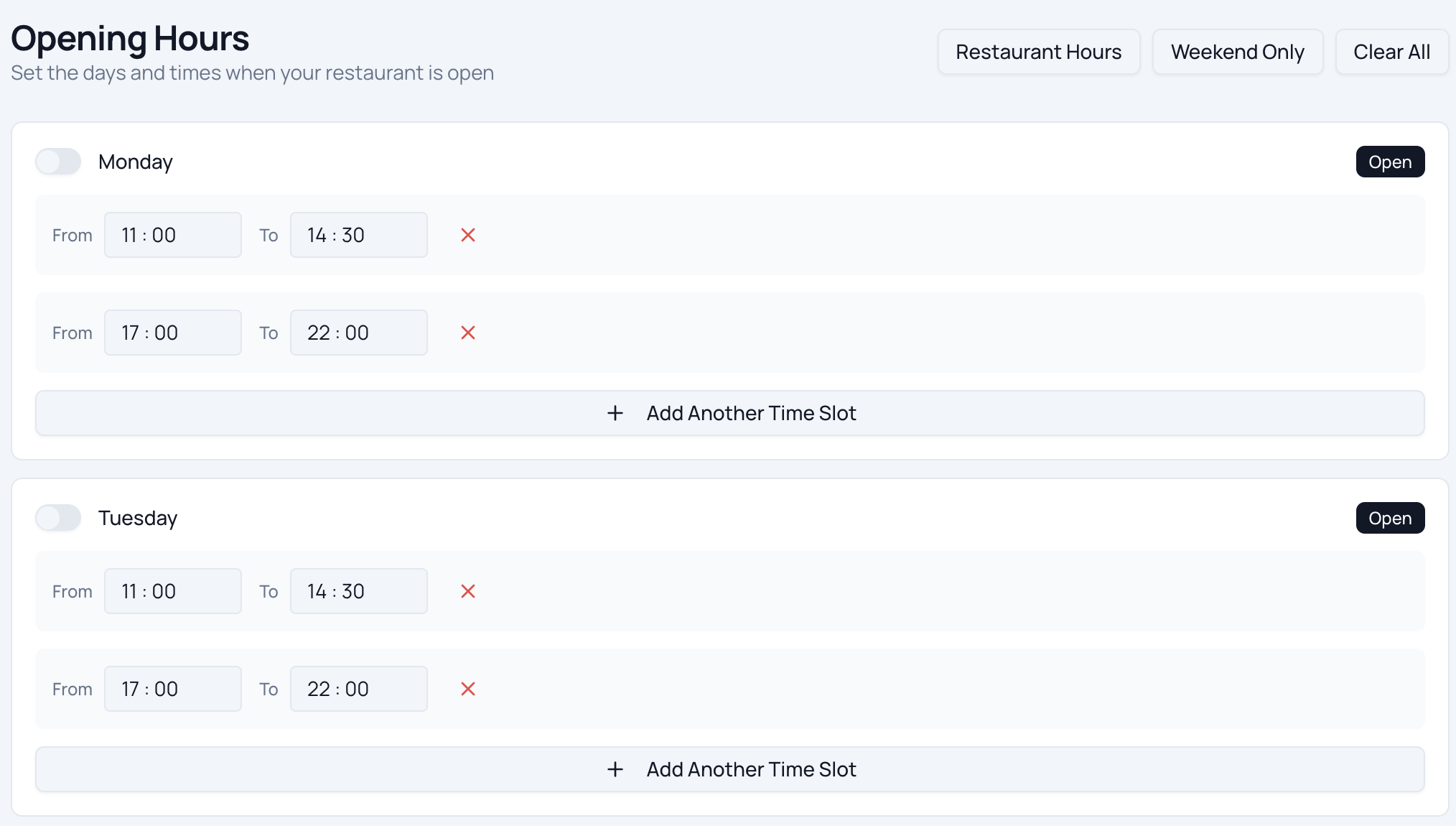
Smart Scheduling
Let customers pick a collection time on their commute. Set prep and lead times so orders are staggered across the rush — your barista is never hit with ten tickets at once.
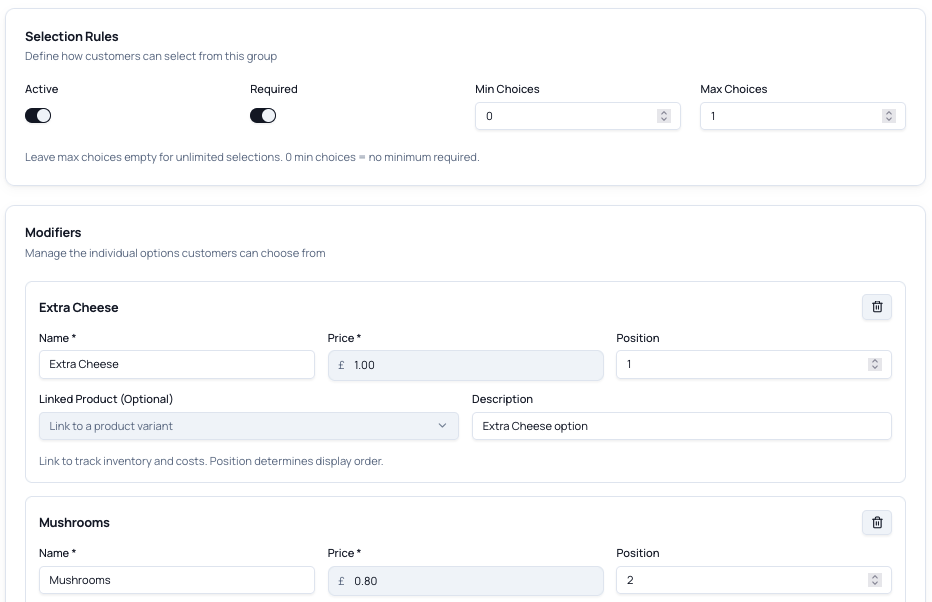
Modifiers & Variants
Oat milk, extra shot, decaf, syrups, sizes — let customers build their exact order so it's right first time, with no back-and-forth at the till.
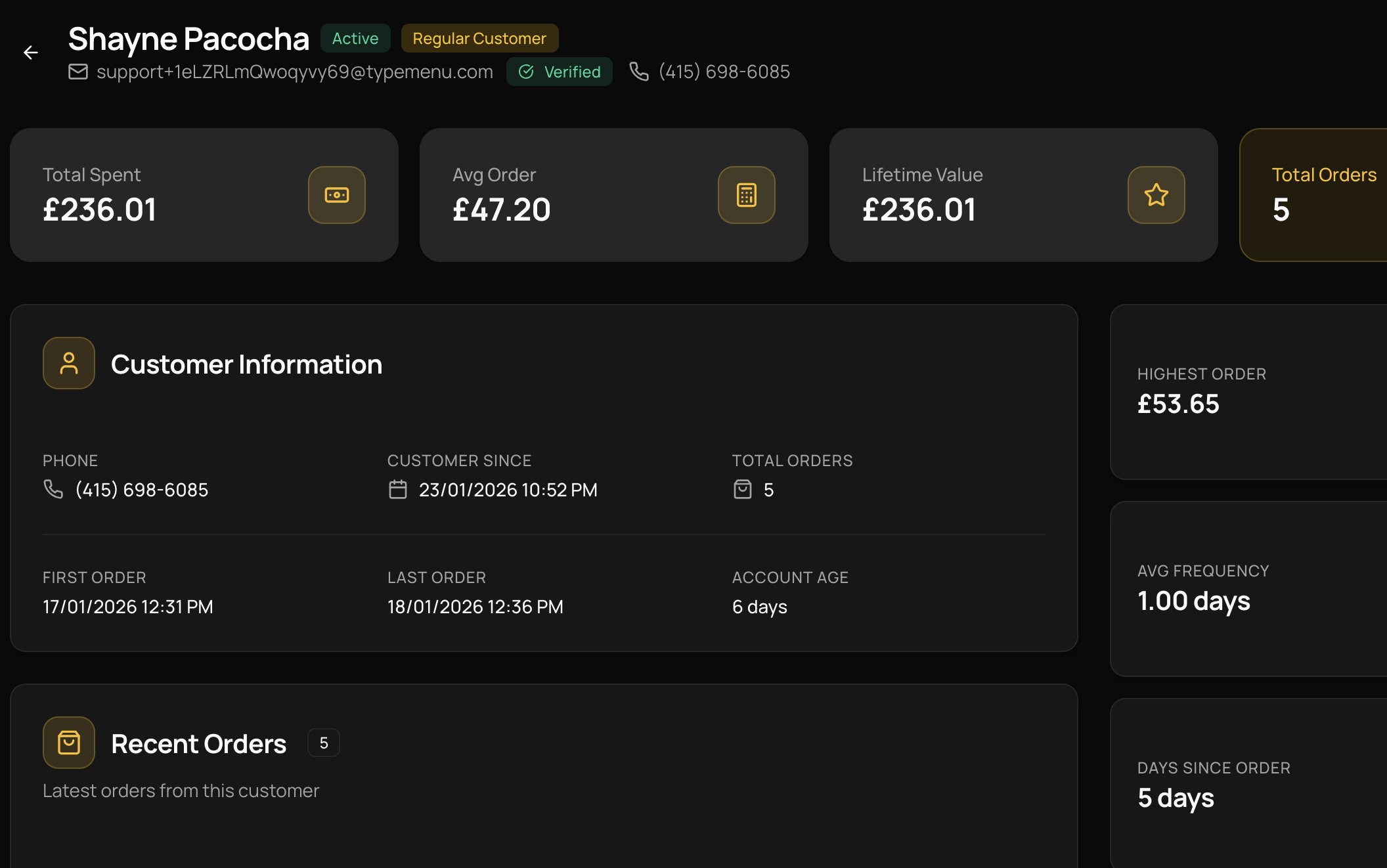
Customer Accounts
Your 8am regulars register once, save their usual, and reorder in two taps. You finally know who they are — and can win them back on a quiet afternoon.
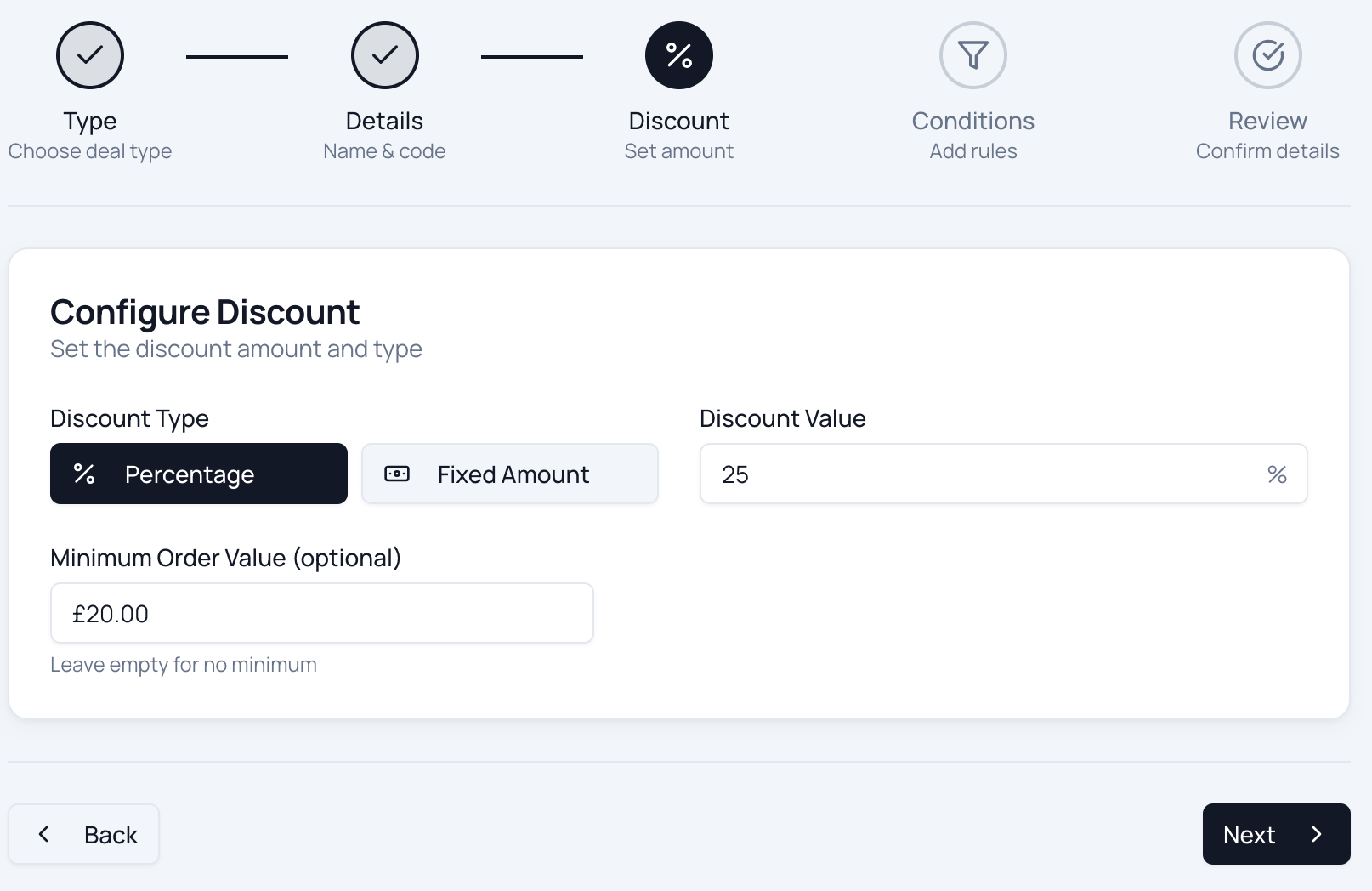
Deals & Promotions
Happy-hour pricing, a free coffee on every fifth order, first-order discounts — automatic rules that apply themselves at checkout, with no codes to remember.
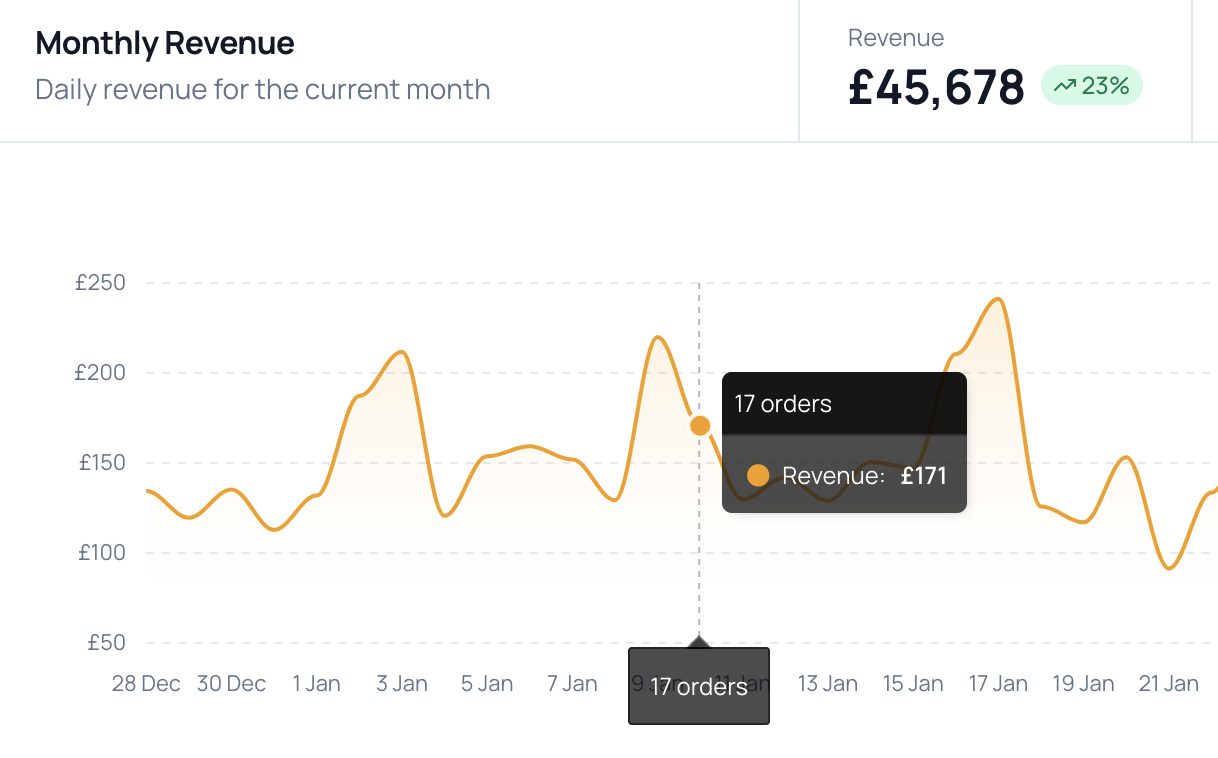
Payment Processing
Take card, Apple Pay and Google Pay through Stripe with zero commission, or cash on collection. Funds land in your account — we never touch your money.
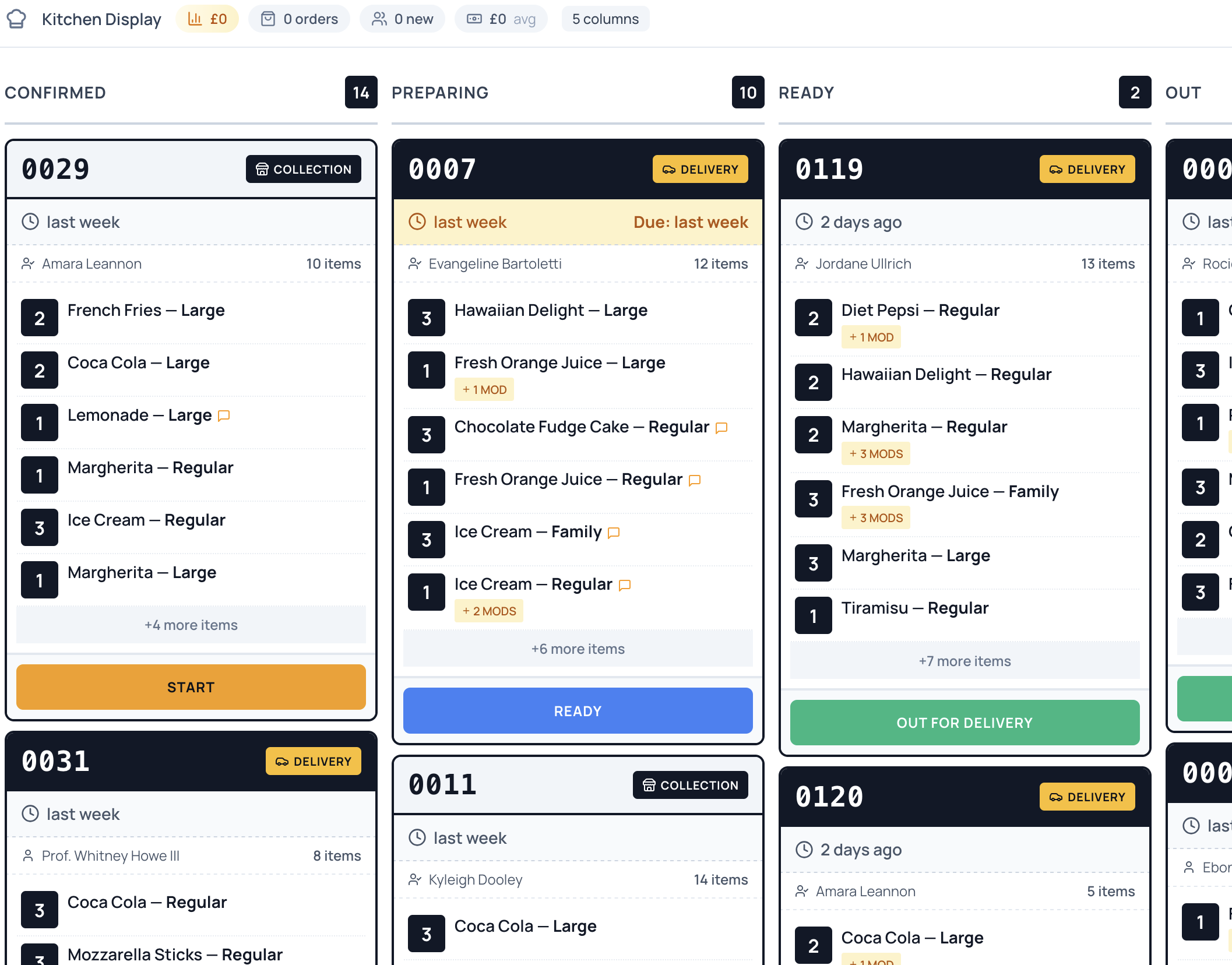
Order Management
Every pre-order lands on one screen, sorted by collection time. Make the 8:15 flat white at 8:13 — not when the customer reaches the counter.
Ready to take control of your
online ordering?
Join restaurants saving thousands in commission fees. Set up your ordering platform in under an hour — no technical skills required.
Common questions
Will pre-orders get in the way of walk-in customers at the counter?
No — they relieve the counter. Pre-orders arrive on a separate screen sorted by collection time, so your barista works ahead of the rush instead of starting each order from scratch when someone reaches the till. Walk-ins are served exactly as they are today; pre-orders just take the pressure off the queue behind them.
Can customers customise their drinks — oat milk, extra shot, syrups?
Yes. Add as many modifiers as you like to any item: milk alternatives, extra shots, decaf, syrups, sizes, and a free-text note for anything unusual. The full order comes through exactly as the customer wants it, so there's no guessing at the machine.
Can I stagger collection times so the orders don't all land at once?
Yes. Set collection slots with prep and lead times, and cap how many orders you accept per slot. That spreads the 8–9am rush into a steady flow your kitchen can actually keep up with, rather than fifteen tickets at 8:30.
Can I take pre-orders for pastries and food that sell out?
Yes. Set stock counts on items like croissants or sandwiches and they stop being orderable once they're gone — so you never sell a pain au chocolat you've run out of, and customers see what's actually available.
Is there a free trial?
Yes. Every plan includes a 14-day free trial with full access to all features. No credit card required to start.
Are there any per-order commissions?
No. TypeMenu charges a flat monthly subscription with zero commission on your orders. The only additional cost is standard card processing fees from your payment provider — Stripe is built in with simple onboarding, and if you use Square POS, payments go through Square instead.
Do I need any special hardware?
No. Everything runs in the browser — your dashboard, your order screen, and your customers' storefront. Any phone, tablet, or computer you already have on the counter will work.
Can I cancel at any time?
Yes. There are no contracts and no cancellation fees. You can cancel directly from your dashboard at any time, and your storefront stays active until the end of your billing period.
Still have questions?
Get in touch →