
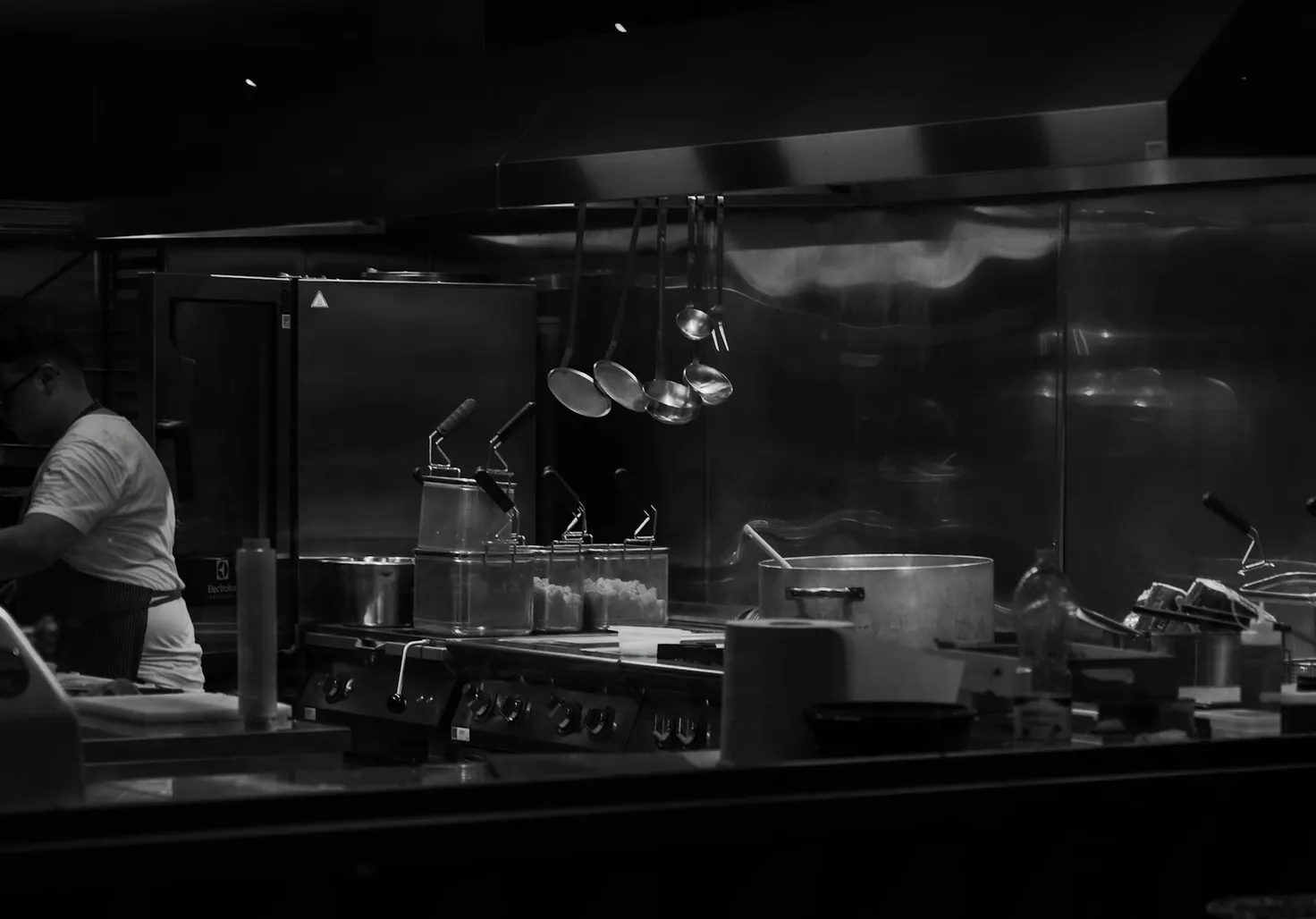
Every kitchen has a version of this. It’s half past eight, the last portion of the special has just gone out, and three more orders for it are already on the screen. Someone shouts “eighty-six the lamb” and then the real problem starts: who takes it off the menu, how, and what happens to the orders that already slipped through?
Until now, the honest answer in most ordering systems was “find someone with menu access, open the product, switch it off, and ring the three customers.” Each of those is a thing that goes wrong on a busy night. September’s update to TypeMenu is about making the whole sequence two taps, by anyone on the floor, with the right result for the customer.
Off sale is not the same as off the menu
The important idea is that there are two different questions about a product, and they need two different switches.
Is this on the menu? That’s the product’s active status. It’s a catalogue decision: we serve this, or we don’t. It’s the switch for a dish you’ve dropped for the season or a line you’ve discontinued.
Can we make it right now? That’s availability. It’s an operational decision, made at the pass, and it’s temporary by nature. The lamb will be back tomorrow.
Using the first switch for the second question causes the problems people complain about. The item vanishes from the storefront, so regulars assume you’ve stopped doing it. Somebody has to remember to switch it back on, and they don’t, so the lamb is off for a week. And because changing the catalogue is a sensitive thing to do, the person who knows it’s run out often isn’t allowed to.
Taking something off sale
In the product list there’s now an Availability column. Click Take off sale and choose when it comes back:
- End of service for “we’re out tonight”
- Tomorrow morning for “we’re out until the delivery”
- Indefinitely for “we’ll put it back when we put it back”
- Custom time for anything else
The item returns on its own when the time passes. No one has to remember. If you want it back early, Put back on sale does it.
The same control is on variants, so if you’ve sold out of the large but not the small, only the large goes. Modifier options too: when the kitchen runs out of a topping, the topping is disabled on the storefront rather than the whole pizza.
Who can do it
Owners, managers and employees can all take something off sale. That’s deliberate, and it’s the part that matters most on a Friday night. Taking an item off sale is separate from editing the menu, so front-of-house can 86 the lamb the moment it runs out without being able to change a price, rename a product or delete anything. The person who knows is the person who can act.
What the customer sees
An item that’s off sale isn’t hidden. It stays on the menu, greyed out, with a Sold out badge, and it can’t be added to the basket. That’s the better outcome for everyone. Regulars see you still serve it, which is the signal you want to send. Nobody orders it, which is the outcome you need. And the menu doesn’t rearrange itself around a gap.
The same logic runs through the storefront:
- A sold-out variant shows as unavailable in the size selector, with the other sizes still orderable.
- A sold-out modifier option is disabled, not removed, so the rest of the group works.
- A featured product that’s off sale shows on the home screen but won’t open.
- If every option in a required modifier group is off sale (every base for a pizza, say), the product shows as sold out too, because nobody could complete the order. It comes back the moment any one option does.
What happens to the orders in flight
The case that used to cause the phone calls: someone has the lamb in their basket when it goes off sale. Their basket line is now flagged, and checkout is blocked until they remove or swap it, with a clear message about why. The order never reaches the kitchen with something you can’t make. That’s three fewer calls at half past eight.
It’s also what you want for a cart that’s been sitting open for an hour on someone’s phone. When they come back to it, the storefront re-checks availability, so a line that’s gone off sale in the meantime is caught before payment rather than after.
Using it well
A few habits make the feature earn its place:
- Agree who calls it. The pass decides something’s gone, and whoever is nearest a screen takes it off. Don’t make it one person’s job, or it won’t happen when they’re plating.
- Pick the right return time. “End of service” is the default for a reason. An item that’s “indefinitely” off is an item someone has to remember.
- Use it for specials with limited stock. Twenty portions of the special means twenty orders and then off sale. Promoting a special and then disappointing the twenty-first customer is worse than not promoting it.
- Watch what goes off most. If the same item is 86’d three Fridays running, that’s a prep or ordering problem, not an availability one. The orders report will show you the pattern.
The menu stays yours
Underneath all of this is a simple principle: the catalogue is a considered thing and should be edited carefully by people who are allowed to. Availability is an instant thing and should be changed in seconds by whoever knows. Keeping them separate means you can give the floor the control it needs on a busy night without giving away the keys to the menu. The lamb comes back in the morning, the prices haven’t moved, and nobody had to ring anyone.